What is QuickBooks & How Different Businesses Use It?
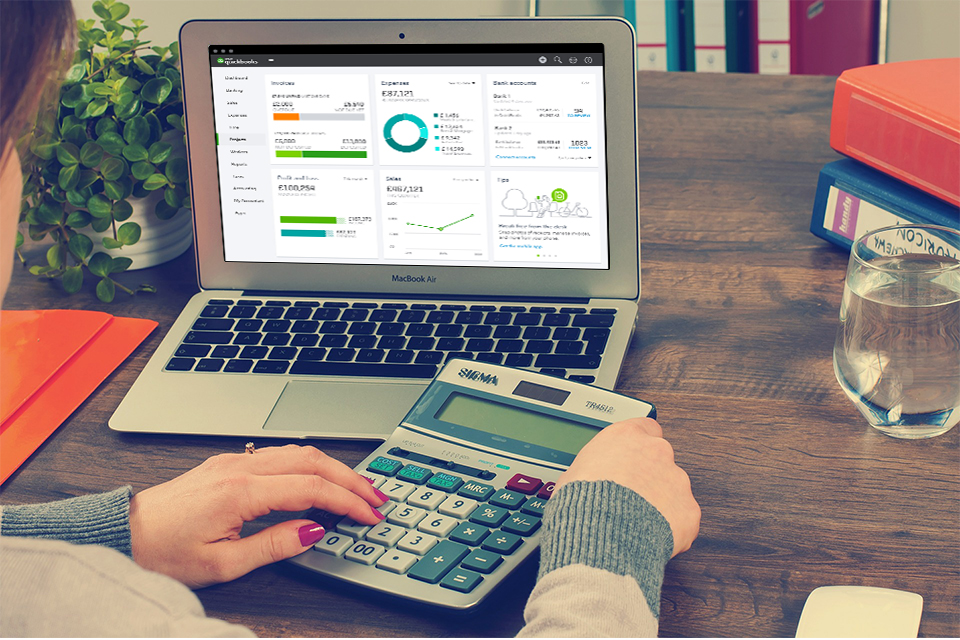
QuickBooks is a small business accounting software program that almost all businesses use to manage their sales, expenses and keep an eye on daily transactions. You can use this software program to invoice customers, pay bills and generate reports, and much more. QuickBooks includes several solutions that could work efficiently for anyone from a higher to mid-sized solutions.
QuickBooks and Small Business:
Small business owners frequently use QuickBooks and QuickBooks Online tools to control their invoices. They also use it to originate month and year-end financial reports as well as develop periodic or annual business taxes. Its common for business owner’s to maintain QuickBooks themselves or as an outsourced bookkeeper.
Here are some businesses who use QuickBooks:
Maintain Sales and Income:
You can maintain sales and income in quickbooks by generating invoices to keep record of sales by customers. Always be confident on on what customer ought to you by reviewing your account receivable aging report which includes description of both current and past due invoices.
Keep Record of Bills and Expenses:
Quickbooks automatically keeps record of your bills and expenses by interlinking your bank and credit card accounts to quickbooks so all of your expenses downloaded and then organized. If you need to keep track a cash or check transaction you can record it directly in quickbooks within few minutes.
Quickbooks online tools and it self helps you to pay your due bills. For instance, you can verify that you pay your bills on time by creating an accountable report in just two minutes. This report will inform you that you pay your bill or expenses or not.
Gain Key Reporting Perception to Your Business:
By maintaining all of your cash inflow and outflow activities in quickbooks, you are able to retrieve several reports that provide plum perception into your business. All of the reports pre-developed in quickbooks and can be executed by few clicks, reports are updated in real time as you enter and save the transaction.
You can execute the top three reports in order to retrieve the overall advantage of your business:
- Profit and loss
- Balance Sheet Reports
- Statement of Cash Flows
Execute Payroll:
Payroll is an field that you don’t want to roll out on by try it to do manually. Mistakes can be made in calculating paychecks could be result in serious penalties. To solve this issue quickbooks has its own payroll system that can automatically calculate and execute the payroll whenever you need.
The best thing of using quickbooks payroll is that it is indulged with your quickbooks so your financial statements are always up to dated. Some of the benefits of using payroll with quickbooks are:
- Pay your employees with cheque or direct deposit.
- All types of federal and other taxes included automatically.
- You can e-pay directly from quickbooks which will give you a huge benefit.
Keep Record of Inventory:
If you want that you want to keep record of the inventory, such as amount payed by hand. QuickBooks will automatically keep record and update this record as you enter transaction. In this concept there are many reports that could manage your inventory.
If you wan to keep record of inventory in excel in would be quite time-consuming but on the other hand quickbooks could save your time very easily.
QuickBooks features:
Quickbooks products include QuickBooks Online, quickbooks desktop, QuickBooks Self-Employed and the QuickBooks Mac. Each of these offers numbers of features for different purposes that just cost very little amount.
QuickBooks Online:
It is the online product cloud-based that does not require any kind of installation. This product is available in three different levels (Simple start, essentials, plus) and is very ideal for different service based customers that does not have any complex invoices.It allows you to access your data by just login to any other computer.
QuickBooks Desktop:
It comes in three different releases (pro, premier and enterprise). But the problem is that this product require you to install software to your computer. Quickbook pro is ideal for small businesses. You could use premier when you manufactured your own products. And the last one is enterprise that is suitable for enterprises.